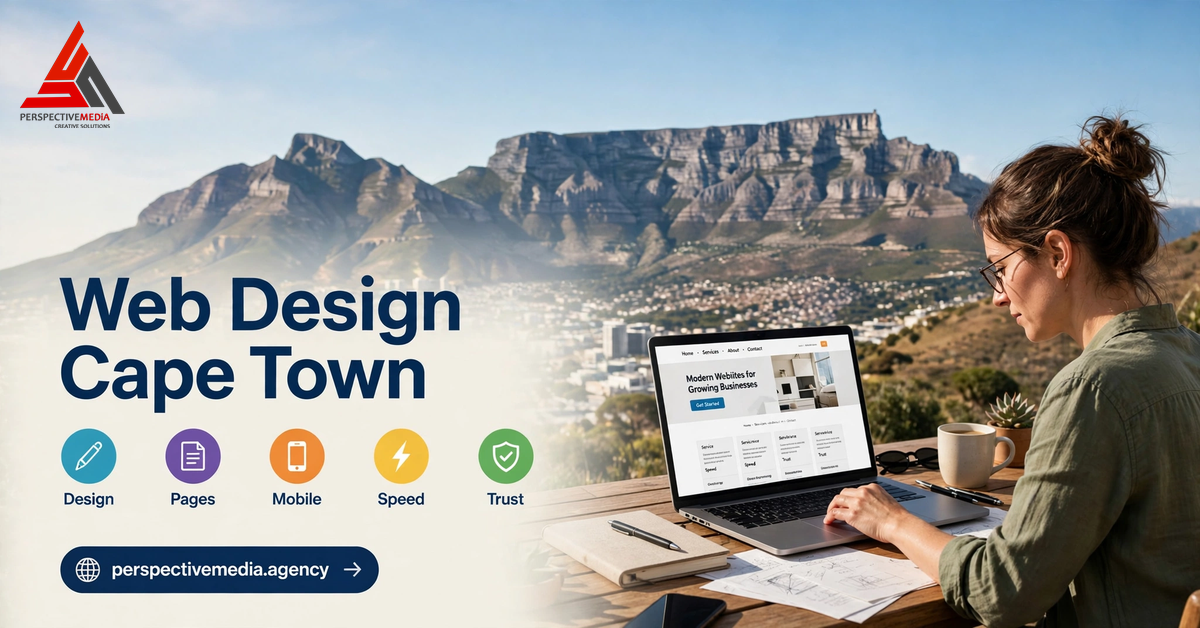
Web design Cape Town businesses pay for should do a clear job. It should explain what you sell, prove that you are credible, load fast on a phone, and make it easy to call, book, buy, or send an enquiry. A polished site that hides the phone number, loads slowly, or says little about your services is not doing the work you paid for.
Comparing quotes on price alone is risky. Two proposals can promise five pages and SEO ready setup while meaning very different things. One may include copy help, tracking, and testing. Another may only cover a template and text you supply. Our South Africa market page and web development service cover our approach. This guide focuses on the buying decision.
What drives web design Cape Town costs
Website cost is mostly a scope question. A small brochure site is a different project from an online store, a booking platform, or a site with customer accounts. The more the website has to do, the more design, development, testing, and content work sits behind it.
Page count matters, but page type matters more. A home page, about page, contact page, and three service pages is a contained build. Twenty service pages, location pages, case studies, and a blog need more planning and writing. One complex page with forms, filters, or booking logic can take longer than several simple pages.
Custom design is another driver. A template based build can suit a small business that needs a clean presence quickly. Custom design costs more because layouts and user journeys are shaped around your brand and customers. Neither route is automatically better. The right choice depends on how distinct you need to be and how complex your offer is.
Functionality adds work in steps. Contact forms are standard. Payments, bookings, memberships, product catalogues, quote calculators, and CRM integrations each need setup and testing, including on a phone with a weak connection.
Content is often where cheap builds fall apart. Many quotes assume you will provide final text and photos. If the agency writes copy, plans page structure, or arranges photography, that work should be priced openly. A design can look fine while the pages say too little to convince a buyer or help Google understand the business.
Finally, budget for life after launch. Hosting, domain renewal, security updates, backups, and support continue after the build. A low build price can become expensive if every small change needs a new quote.
What a business website should include
Start with clear structure. Visitors should understand within seconds what you do, who you serve, where you operate, and what to do next. Services that matter commercially should have their own pages. One crowded services page rarely answers enough questions.
Each important page needs a purpose. A service page should explain the problem, the service, who it suits, what is included, how the process works, and how to enquire. A location page should add real local detail, not the same paragraph with the city name swapped. Google’s SEO starter guide makes the same point for search: clear, useful content helps people and search engines understand the page.
Mobile performance is not optional. Many customers will first meet your business on a phone while comparing options quickly. Pages should load fast, text should be readable without zooming, buttons should be easy to tap, and forms should ask only for what you need. A slow site feels careless before the visitor reads a word. Google’s Core Web Vitals guidance covers the loading and stability basics your developer should respect.
Trust signals should be built in. Real photos, reviews, certifications, service areas, opening hours, and clear contact details help a visitor decide. If you serve specific suburbs or industries, say so. Vague claims tell a buyer very little.
Measurement belongs in the basic build. Analytics and search tracking should show which pages bring visits, calls, and enquiries. Without that, improvement is guesswork.
Accessibility matters too. Readable contrast, sensible headings, and alt text help more people use the site, as the W3C web accessibility introduction explains.
How to compare web design Cape Town quotes
Ask every provider to itemise the same things. How many pages are included? Who writes the copy? Is basic search setup included, such as titles, descriptions, headings, and internal links? Are forms tested? Is analytics installed? Who owns the domain, hosting account, and website files after launch?
Ask what is excluded. Stock photos, copywriting, logo work, email setup, payment fees, premium plugins, and content migration may sit outside the headline price. A clear exclusion list is usually a sign the provider knows where projects go wrong.
Timelines need clarity too. Ask what the provider needs from you, when they need it, and how many revision rounds are included. Test example sites on your phone. Live sites tell you more than proposal screenshots.
Build choices that affect value
WordPress suits many business websites because it is flexible and widely supported. It works well for service businesses and sites that need regular updates. The platform alone does not guarantee quality. A careful build uses a sensible design, limited plugins, security basics, and a structure your team can manage.
Shopify suits businesses that mainly sell products online, with payments and checkout handled by the platform. Custom builds suit unusual workflows, portals, or integrations. The platform should follow the business need, not the developer’s habit. If a provider recommends one, ask why it fits your case.
Design should serve the sale. A restaurant needs menus and booking routes to be obvious. A clinic needs trust and a simple appointment path. A trades business needs service areas, reviews, and fast contact options.
Search basics should be part of the build, not a later rescue job. Titles, headings, internal links, image alt text, and sensible URLs are easier to set correctly during the build. Our guide to SEO packages in South Africa explains ongoing search work, and our local SEO services South Africa guide covers the local side.
Hidden costs, maintenance, and ownership
Budget for the life of the site. Domain and hosting renewals are small but real. Security updates and backups matter because a hacked site can cost more in lost enquiries than a year of maintenance. Online stores should also budget for payment fees and paid apps.
Content updates continue after launch. Ask how updates will be handled and whether you will be trained.
Confirm ownership in writing. You should control the domain and have access to hosting, analytics, and the website admin. If the relationship ends, you should not have to rebuild from nothing.
A practical buying checklist
Before you accept a quote, check these points:
- The scope lists pages, features, and exclusions in plain language.
- Copywriting and photo responsibilities are clear.
- Mobile performance and basic search setup are included.
- Forms, analytics, and search tracking will be tested before launch.
- Hosting, domain, maintenance, and support costs are explained.
- You will own the domain and have admin access after launch.
- The timeline states what the provider needs from you and when.
If a quote cannot answer those points, the price is not comparable.
Final thought
Good web design in Cape Town is about buying the right scope for the business you run now, with room to grow. When scope, content, performance, and ownership are clear, you can compare quotes with confidence. Start by listing the pages and actions your customers need most.
FAQs
How much does web design in Cape Town cost?
Cost depends on scope. Page count, custom design, ecommerce or booking features, copywriting, integrations, and support all move the price. Compare itemised quotes rather than headline numbers, and check what is excluded.
What should a small business website include?
It should include clear service pages, contact details, mobile friendly design, fast loading pages, trust signals such as reviews and real photos, basic search setup, analytics, and forms that are tested before launch.
Is WordPress a good choice for a Cape Town business website?
WordPress suits many service businesses and content led sites because it is flexible and easy to update. It still needs careful setup, limited plugins, security basics, and clear page structure to perform well.
Should I choose a template or custom design?
A template can work well for a simple site with standard needs. Custom design suits businesses that need a distinct brand, complex pages, or specific customer journeys. The right choice depends on scope and budget.
What ongoing costs should I budget for?
Budget for domain and hosting renewals, security updates, backups, content changes, and support. Online stores should also budget for payment fees and any paid apps or plugins the store relies on.