Your Google Business Profile has a publishing feature most businesses ignore: posts — short cards for updates, offers, and events that appear right on the profile customers see in Search and Maps. For years agencies have argued about whether Google Business Profile posts are a ranking lever or a waste of time.
The honest answer in 2026: they don’t move your rankings — a nine-week test on live listings found no measurable impact on local pack rankings. But that isn’t the same as saying they don’t matter. The smart businesses keep posting, and they’re getting calls from it. The confusion comes from treating posts as an SEO tactic when they’re actually a conversion tactic: what they can and can’t do, the three post types, and a twenty-minute-a-week cadence.
What Google Business Profile Posts Actually Are
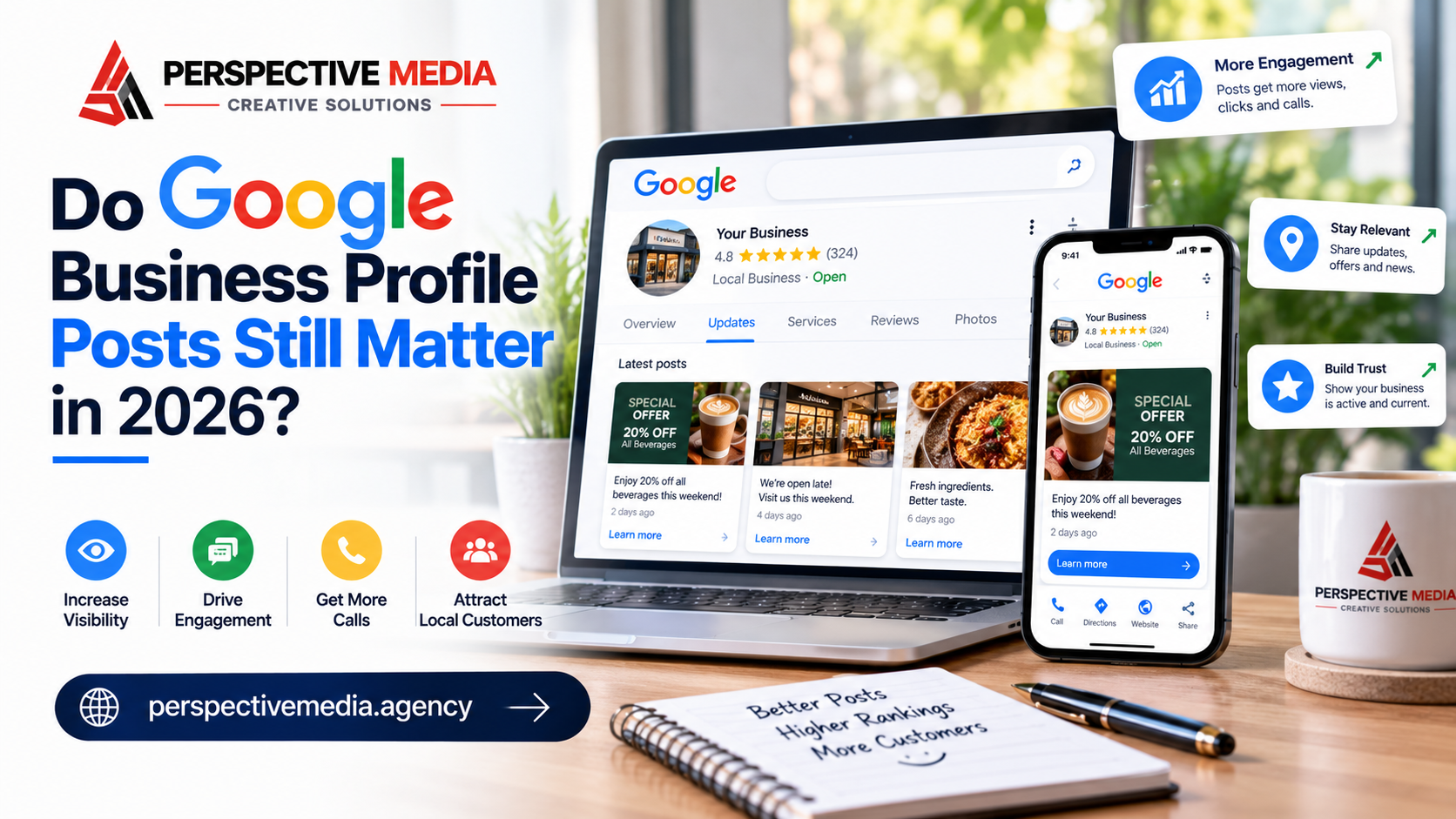
Google Business Profile posts are short content cards — text, a photo or video, and a call-to-action button — that appear on your profile in Search and Maps. On mobile they show in the Updates or Overview tab of the profile; on desktop they sit in the “From the owner” section of the knowledge panel. For eligible food and drink businesses, Google can also surface them as featured posts near the top of the profile.
Think of them as a micro-blog on your most visible listing: anyone comparing you against two competitors in the map pack can see at a glance that you’re active, running a current offer, or hosting something next week — no website visit required.
Google supports three post types, each with a different job:
Update posts
The general-purpose format: new service launched, holiday hours announced, a seasonal reminder. Short, factual, easy to produce — if you only publish one kind of post, make it this one.
Offer posts
Promotional cards with a title, dates, and terms — “15% off boiler servicing through November.” Offers get special treatment in the interface: the closest thing to free ad placement on your profile.
Event posts
Time-bound announcements — open days, workshops, seasonal launches. Event posts stay pinned to their date: promotion before, proof of an active business after.
You can schedule posts in advance — including recurring weekly or monthly schedules — which makes the whole system practical with no marketing staff. As Google’s own help documentation explains how to create and manage posts on your Business Profile, the workflow is built for busy owners: short cards, quick buttons, done in minutes.
The Ranking Question: Do Google Business Profile Posts Help SEO?
Let’s settle this directly, because it’s where most businesses waste their energy.
Google names three factors for how local results are ranked: relevance, distance, and prominence. Google’s own explanation of local rankings lists categories, attributes, reviews, and business information as the levers — posts don’t appear in the ranking documentation at all.
The field evidence agrees. Sterling Sky ran a controlled experiment — one post per week on three listings for nine weeks, tracking 441 keywords per location — and found no measurable impact on local pack rankings. Nothing Google has shipped since has changed that: posts are a profile feature, not a ranking signal.
It makes sense: ranking systems reward hard-to-fake signals — verified categories, real customer reviews, web-wide citations. Posting takes two minutes, which makes it exactly the kind of signal an algorithm should ignore.
So if you’re posting for rankings, stop. But if you’re posting for customers, keep reading — because that’s where Google Business Profile posts earn their place.
Why Google Business Profile Posts Still Deserve Twenty Minutes a Week
Here’s the reframe: Google Business Profile posts aren’t SEO. They’re the conversion layer on top of the rankings you’ve earned — the ranking gets you into the comparison; the profile content wins it.
They convert comparison shoppers. A profile with a post from this week looks like an operating business; one whose last post is from 2023 looks abandoned. Everybody makes that judgment, nobody admits it.
They sell without a website visit. An offer post with dates and a “Call now” button collapses the funnel to search → see offer → tap → call — for mobile users, one fewer click between a booked job and a bounced searcher.
They reach buyers at the decision moment. Your Instagram discount post reaches followers; your GBP offer post reaches people actively searching for your service right now — an audience much closer to money.
They’re free real estate you actually control. You can’t control reviews, Q&A, or customer-uploaded photos — but posts are the one content block on the profile that is entirely yours. Leaving it empty is leaving your own billboard blank.
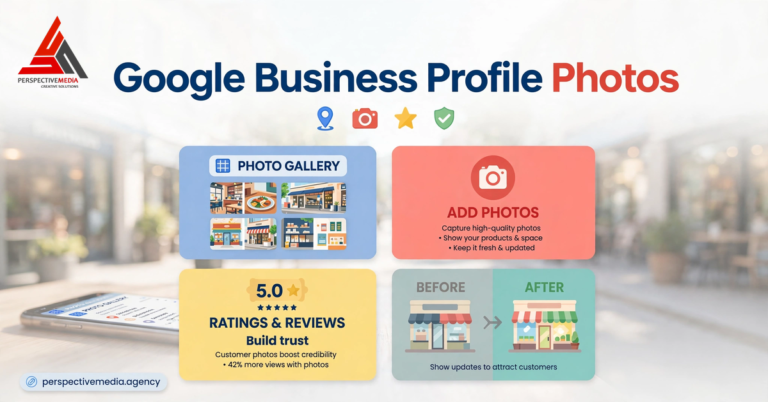
They compound with the rest of the profile. Posts with real photos feed the same visual richness that makes profiles convert — pair them with the photo routine that keeps your profile looking alive and the profile starts doing the selling your website used to do alone. Posts don’t replace the fundamentals from the Google Business Profile optimization checklist; they amplify them at the moment of decision.
What to Post: A Simple Cadence That Doesn’t Eat Your Week
The winners post predictably, not daily. Here’s a cadence that fits in twenty minutes a week:
Week 1 — An offer or seasonal update. One concrete reason to choose you right now: seasonal services, maintenance reminders, a limited-time bundle. Include dates, terms, and a real CTA button — “Call now” uses your verified number and keeps you compliant.
Week 2 — Proof of work. A finished job, a solved problem, a milestone — evidence you’re active and good. One strong photo beats three paragraphs.
Week 3 — Answer your most common question. Turn the question you hear constantly into a post — “Do you service [area]?” or “How much does it cost?” become pre-answers to the objections that kill conversions.
Week 4 — Community or personality. The shop dog, the charity drive, the new van — the content that makes you memorable against identical competitors. One a month is plenty.
Then schedule them. Batch a month of posts in one sitting — consistency matters more than creativity; searchers respond to “this business is clearly active” more than to any single post.
Google Business Profile Post Mistakes That Get You Ignored — or Rejected
The pitfalls that waste the effort:
- Phone numbers and contact info in the post text. Google’s content policy flags phone numbers, emails, and social handles in post text as potential abuse — the post may be removed. Use the “Call now” button instead; it uses your verified number and is explicitly allowed.
- Sales-speak with no substance. “Best plumber in town!!! 🔥🔥🔥” gets scrolled past by humans and flagged by Google’s quality guidance. Specificity converts; hype doesn’t.
- Posting once and vanishing. A single post from eight months ago signals abandonment — worse than none at all. If you can’t sustain a cadence, post nothing.
- Ignoring rejections. If a post shows “Not approved,” read the flagged policy, fix it, and repost — don’t resubmit the same text.
- Treating posts as a substitute for profile basics. Posts on an incomplete profile — wrong categories, no services, three photos — lose the comparison anyway. Fix the foundation first.
The Verdict on Google Business Profile Posts in 2026
Google Business Profile posts don’t rank you — they convert the rankings you have. The offer post that turns a comparison into a call, the update that answers the question before it’s asked, the weekly rhythm that makes your profile look worth choosing: that’s the job that pays.
Twenty minutes a week, one post, a real photo, a real reason to call. That’s the whole strategy — and for most local businesses, it’s the easiest conversion win sitting on their profile right now.
Perspective Media runs local SEO programs for service businesses — GBP optimization, citation cleanup, review generation, and the content that feeds the map pack. If your profile ranks but doesn’t convert, talk to us about what’s actually missing.